First Login & Spawning Overview
When logging into Star Citizen for the first time, you are prompted to choose whether to complete the initial tutorial. Regardless of your choice, the mechanics for navigating your starting hub, calling your ship, and reaching your hangar remain identical.
From your very first spawn, the game sets your home location. Moving forward, logging out in a bed (or dying) will wake you up in the medical or habitation facilities of the last station or city you visited.
Leaving Your Habitation Unit (Hab)
If you skip the tutorial, follow these basic steps to get moving:
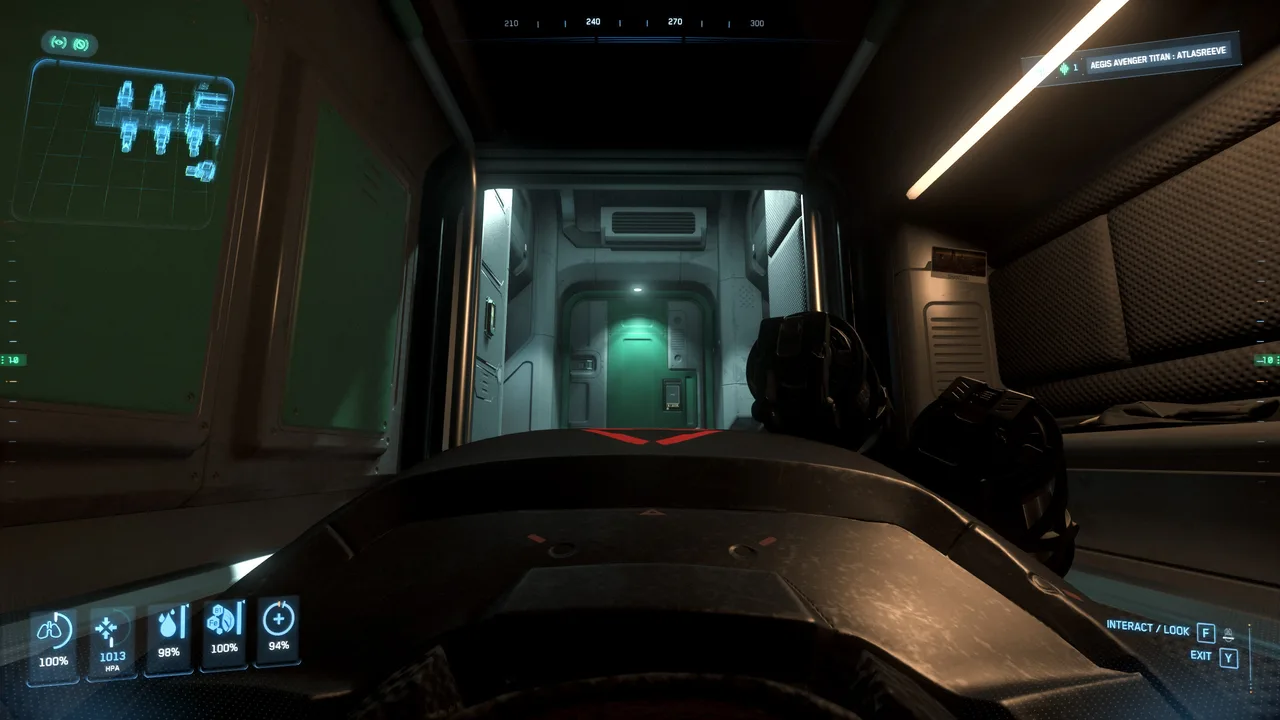
- Stand Up: Press and hold W to exit your bed.
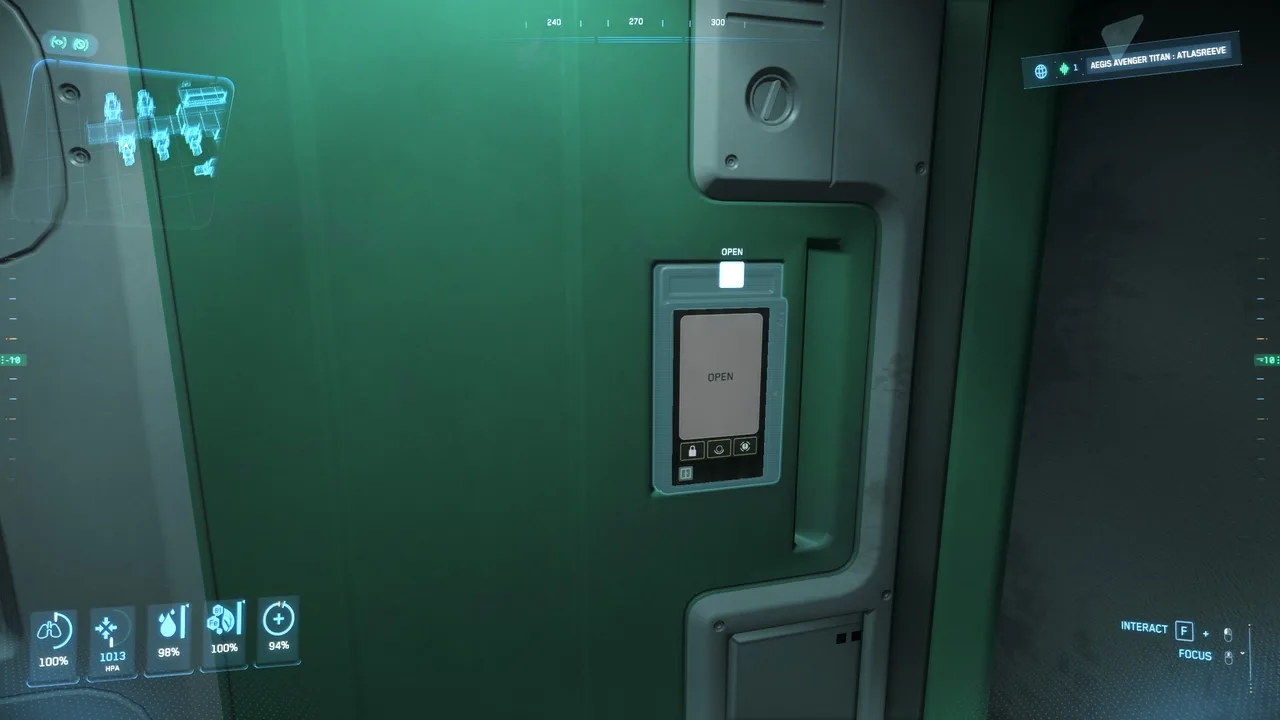
- Open the Hab Door: Approach the door, hold F (Interaction Mode), and click the door control panel to open it.
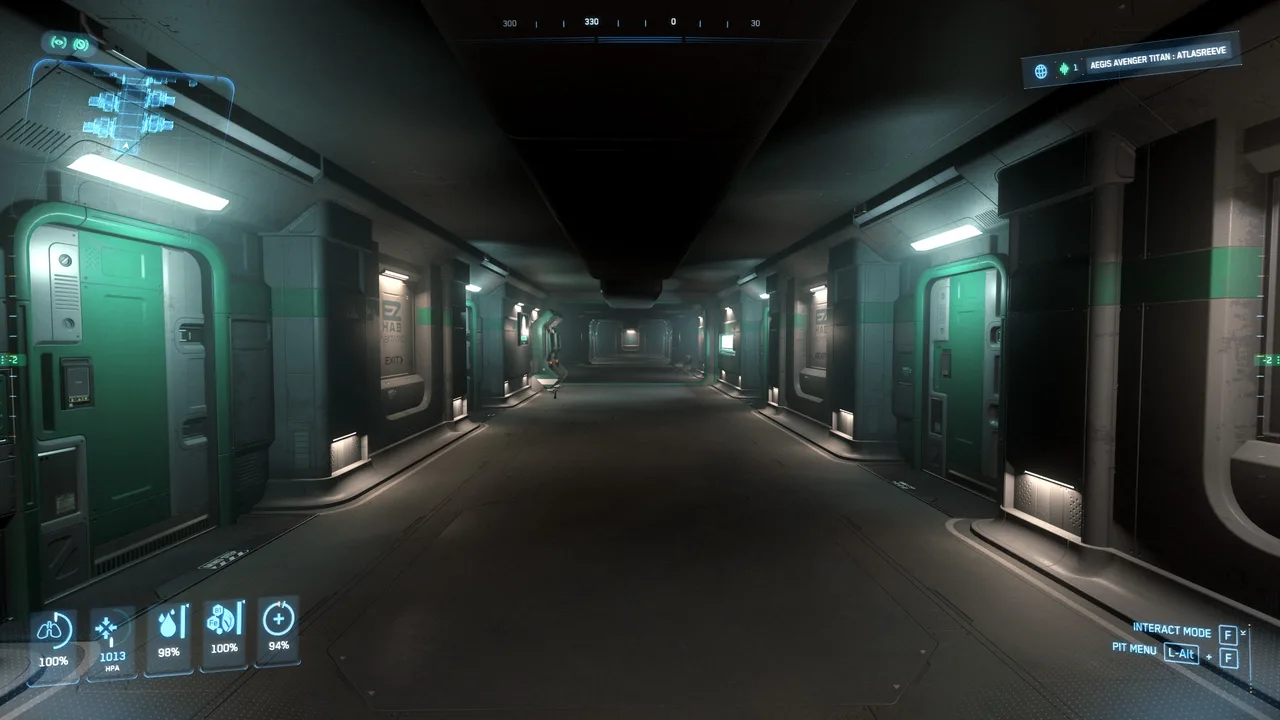
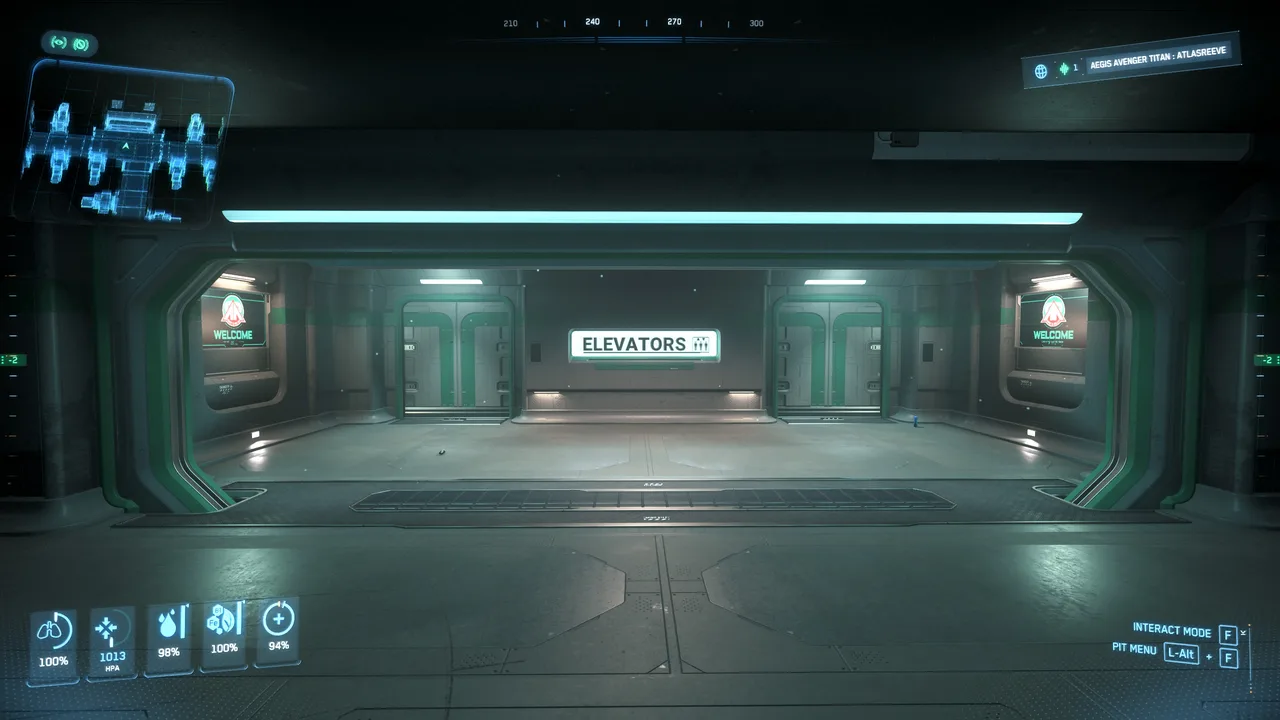
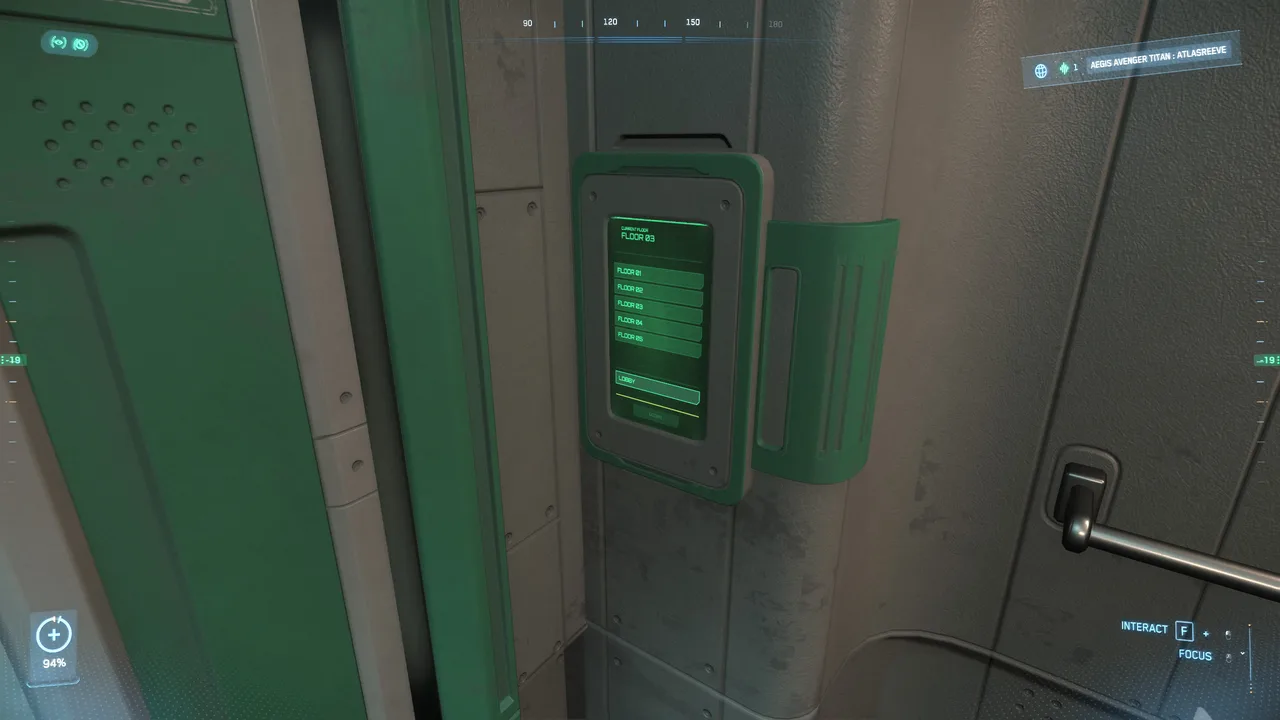
- Navigate to the Lobby: Walk down the hallway to find the nearest elevator. Hold F to interact with the elevator call button, step inside, and select the Lobby level from the panel.
Waking up and getting to the lobby
Reaching Your Planetary Spaceport
Once in the main concourse or plaza, locate the local transit platform (train, metroloop, or shuttle line) to travel to the spaceport. Press F2 to open your mobiGlas Starmap or check overhead signage for directions.
Major Starting Spaceports
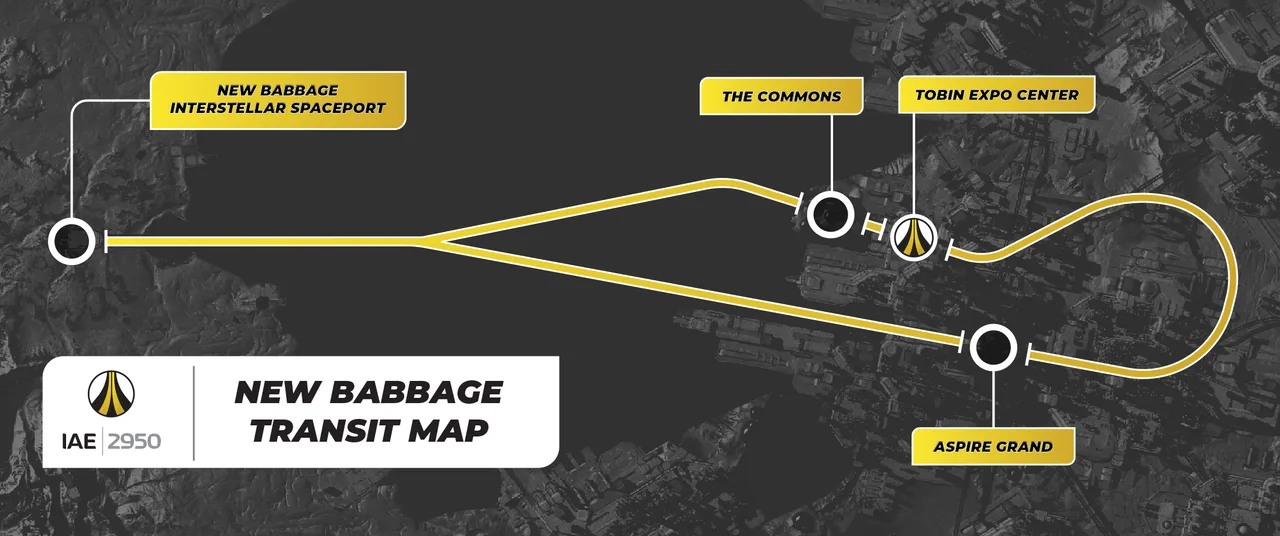
- New Babbage (microTech): Board the Hyperloop to NB International Spaceport (NBIS).
New Babbage Transit Map
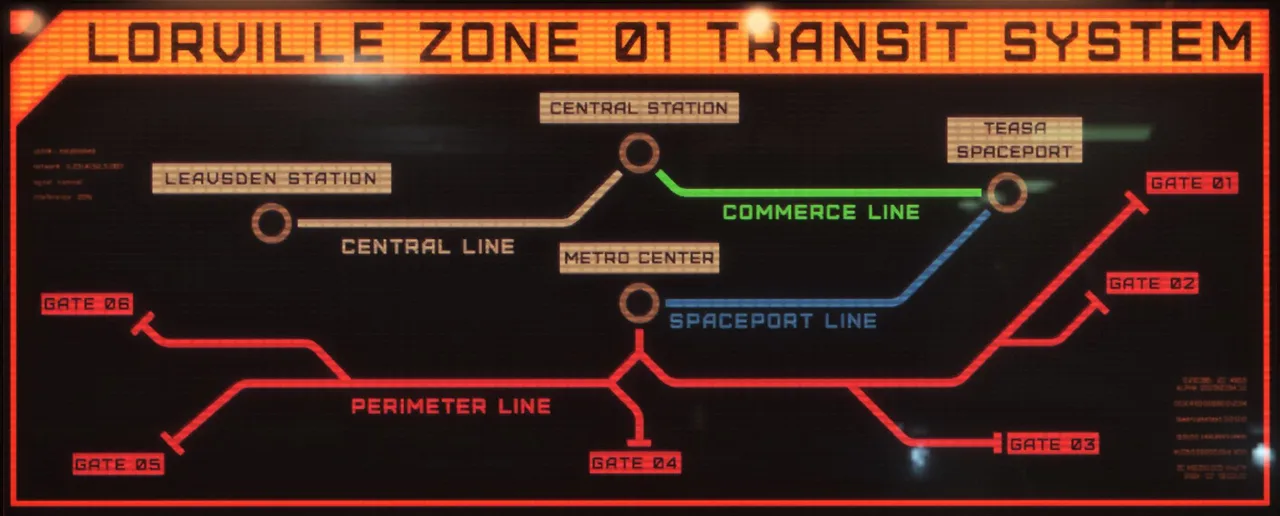
- Lorville (Hurston): Board the Transit line to Teasa Spaceport.
Lorville Transit Map
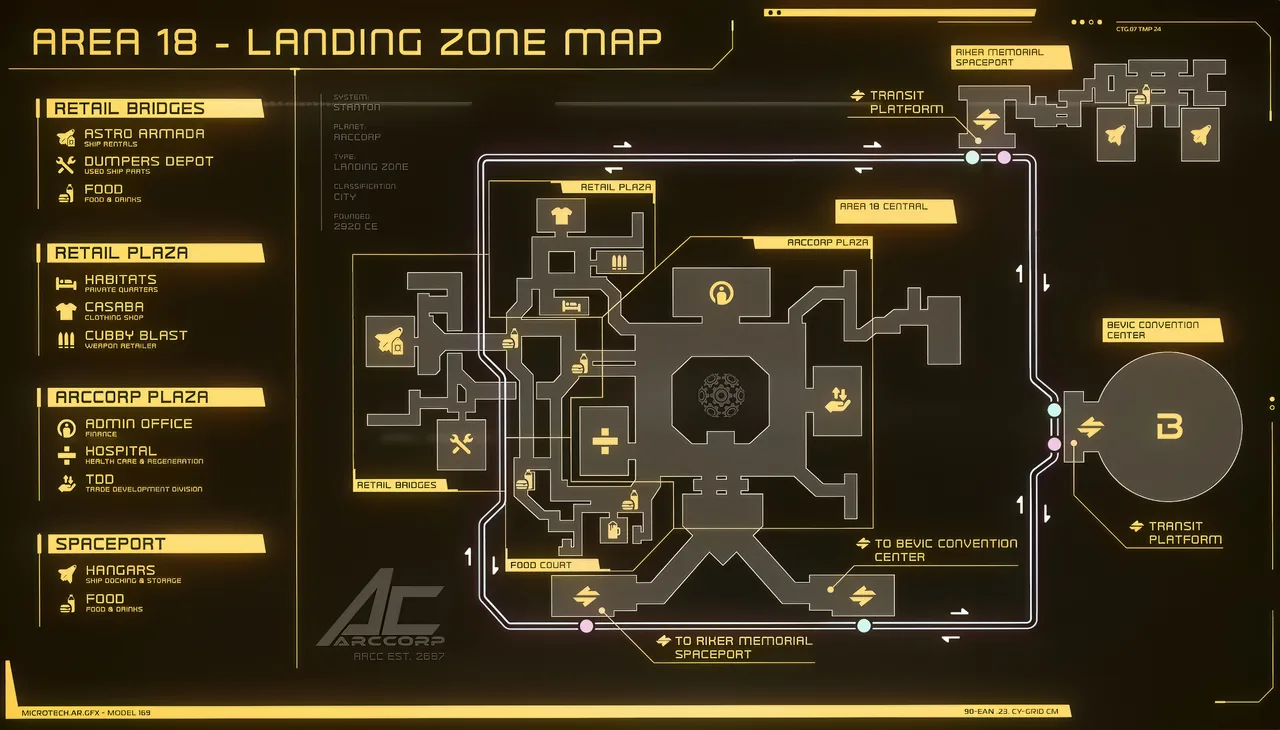
- Area 18 (ArcCorp): Board the Metroloop to Riker Memorial Spaceport.
Area 18 Transit Map
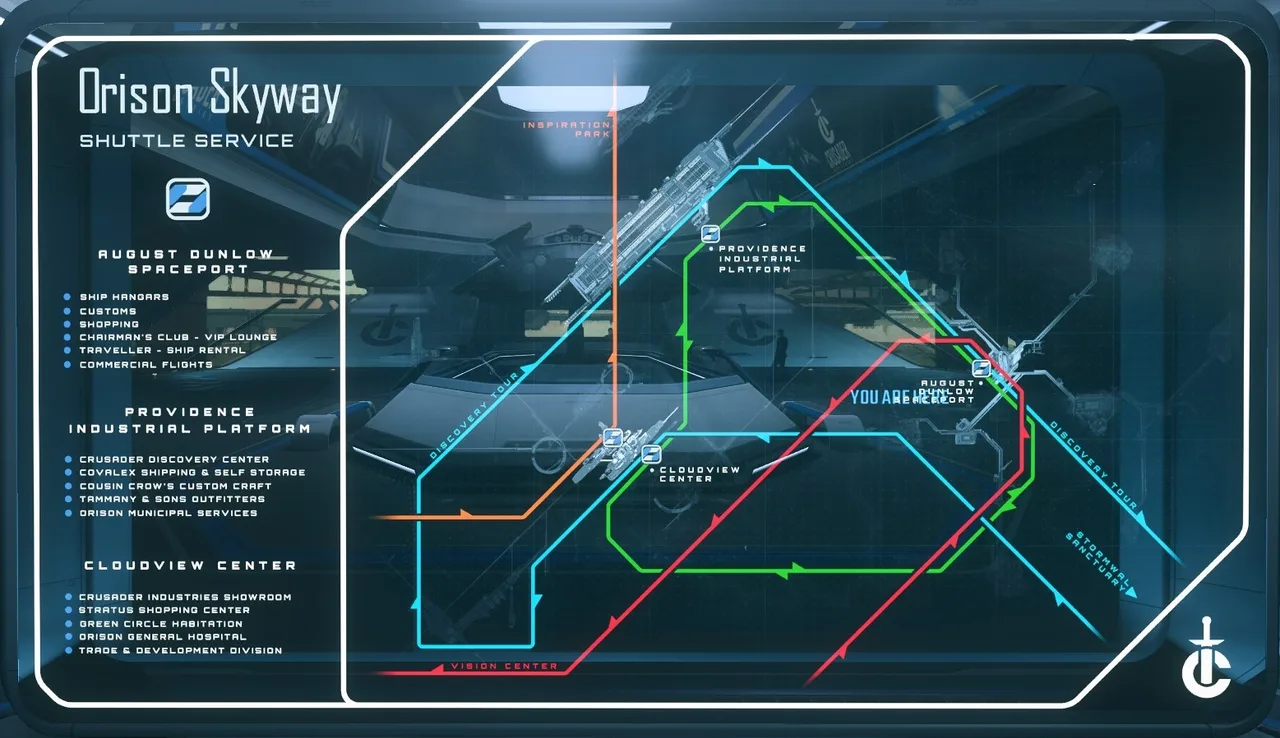
- Orison (Crusader): Board the Shuttle Shipline to August Dunlow Spaceport.
Orison Transit Map
ASOP Terminals & Retrieving Your Ship
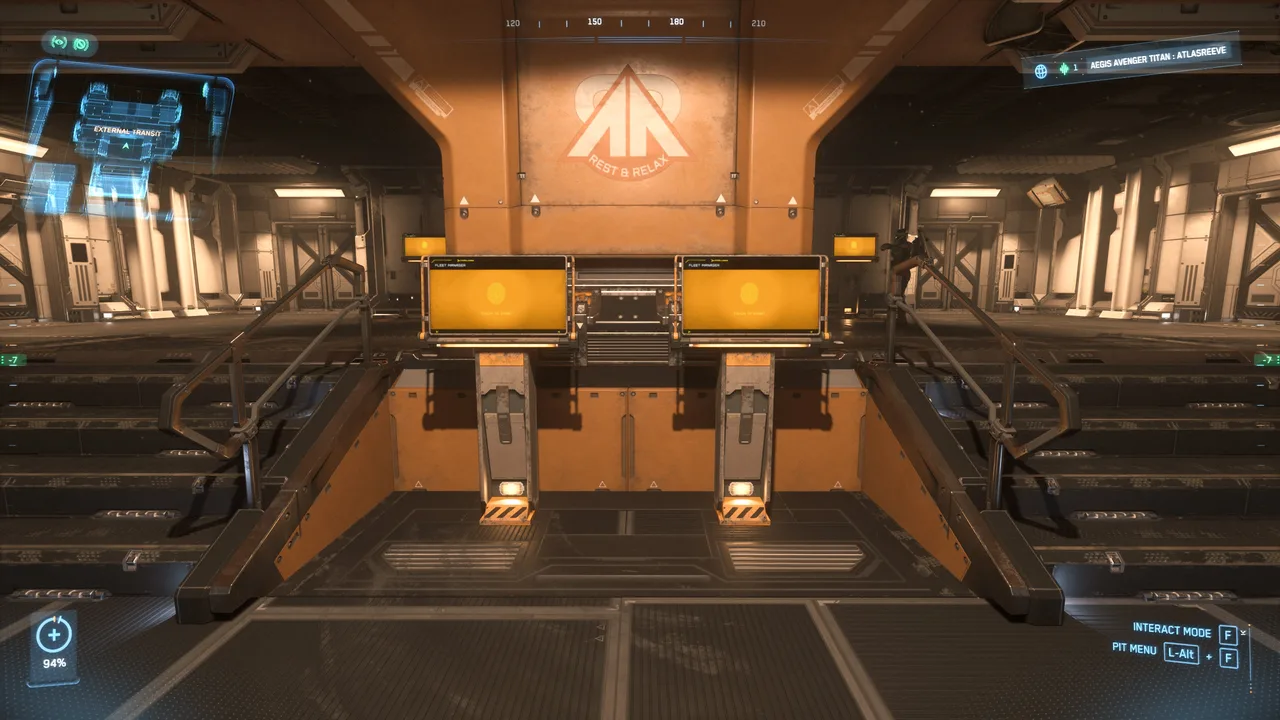
Upon reaching the spaceport concourse, locate the Fleet Manager (ASOP) Terminals—standalone kiosk consoles equipped with yellow/orange UI screens.
1. Claiming Your Ship
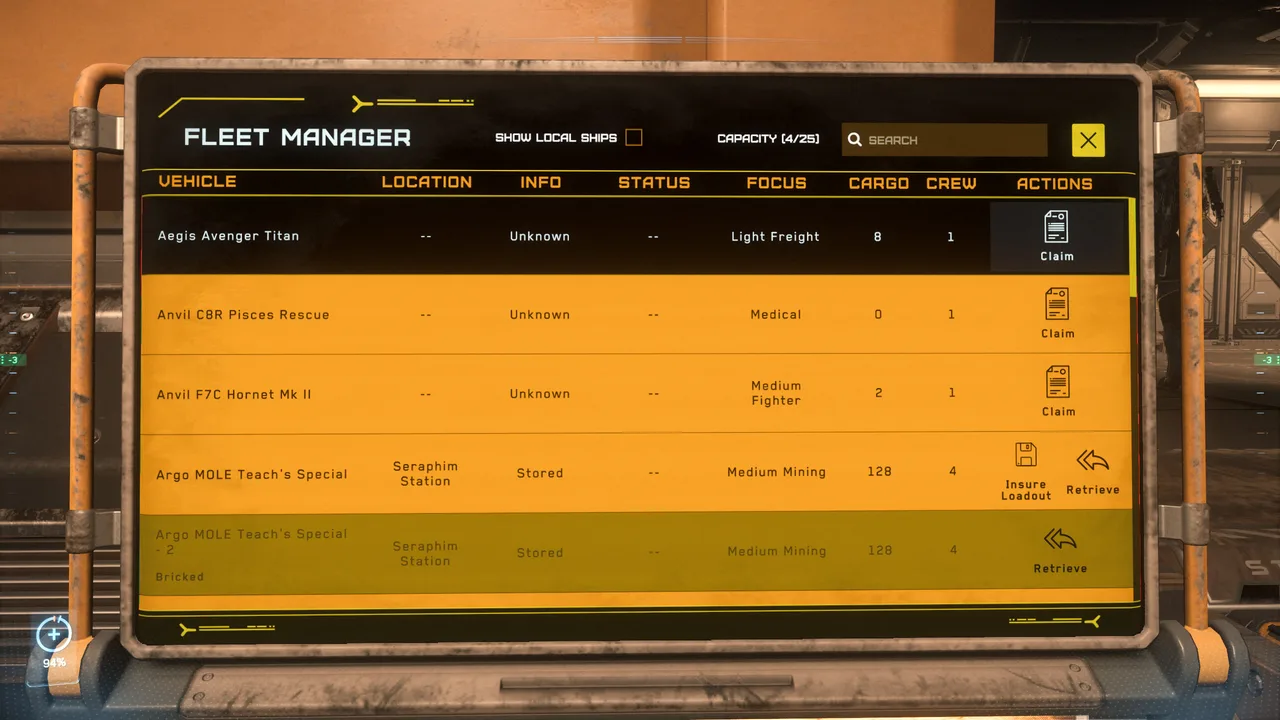
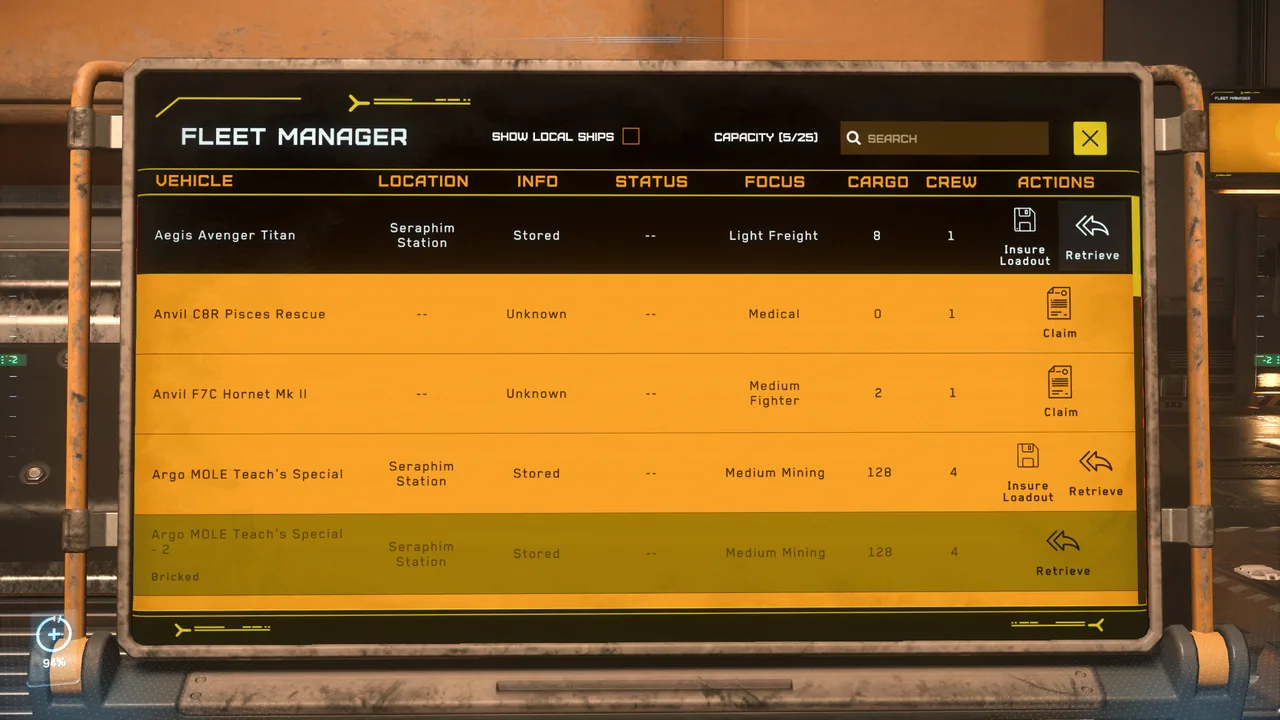
The first time you access an ASOP terminal, your vehicle status will display as unallocated or destroyed. Click Claim to issue a fresh starter ship.
ASOP terminals
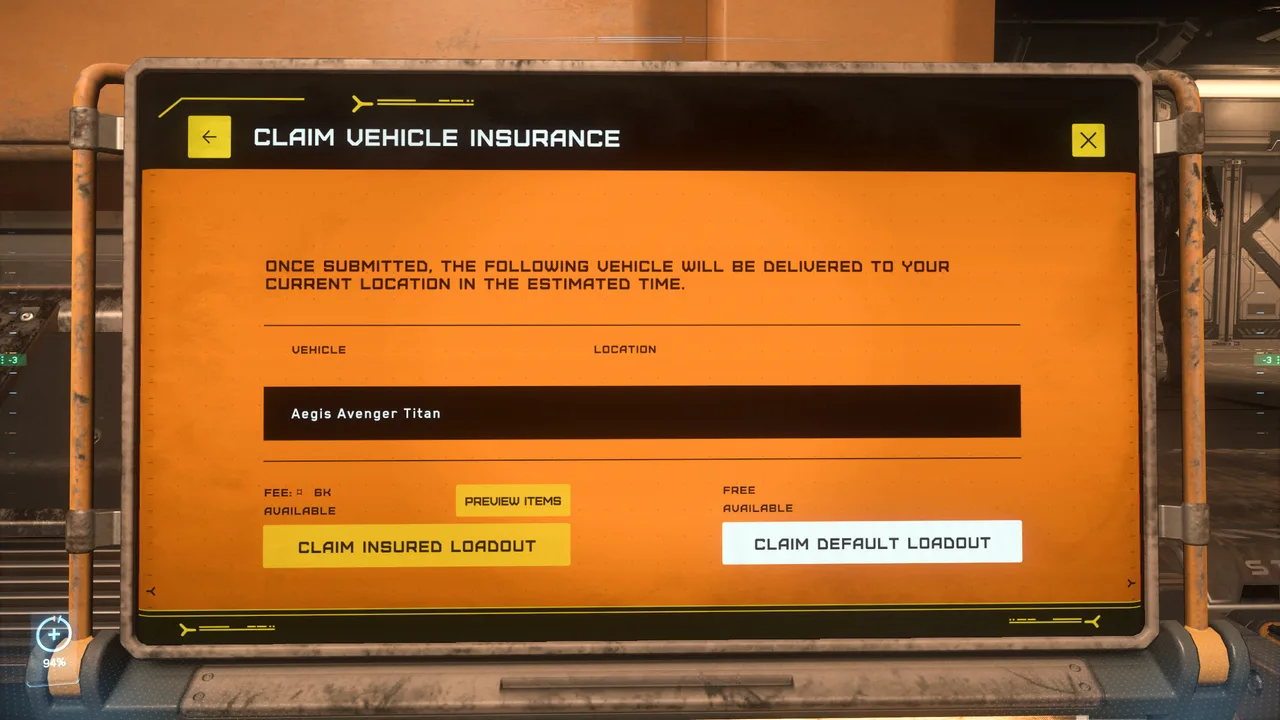
- Stock Insurance: Default factory loadouts are free to claim.
- Aftermarket Loadouts: Upgrading components on your ship allows you to insure them at terminals, but claiming upgraded vessels will incur standard insurance fees.
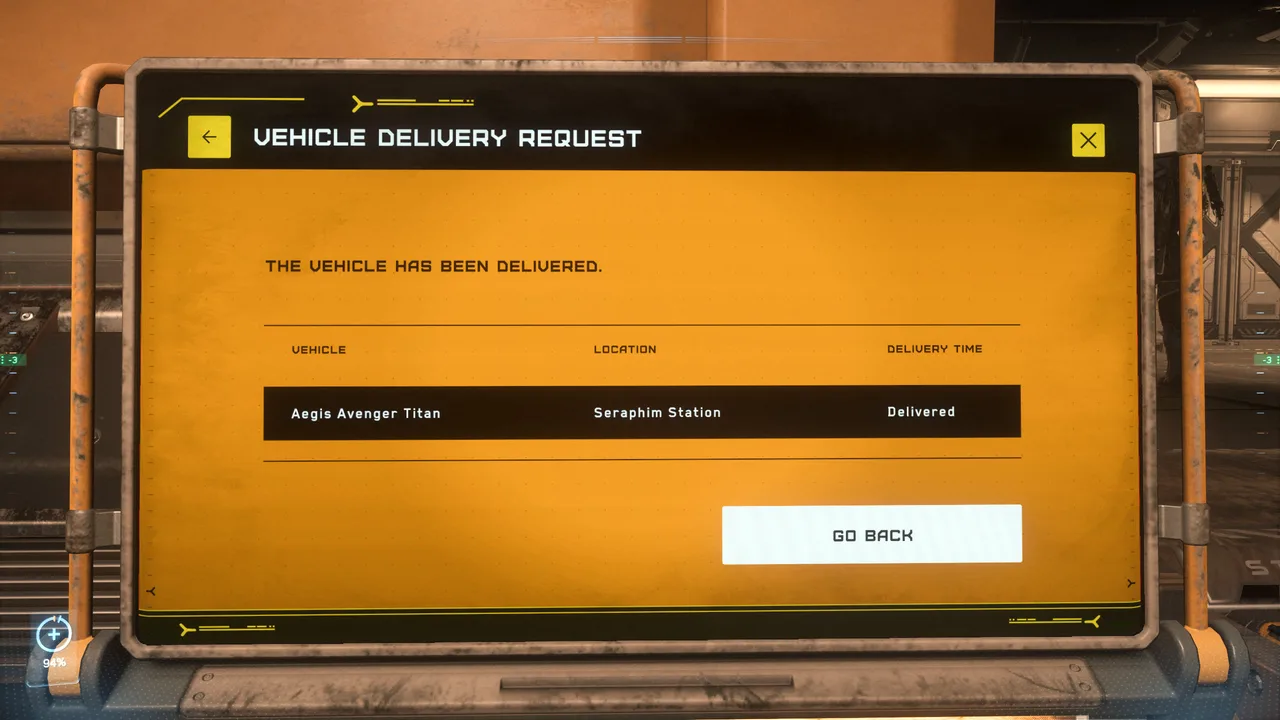
2. Retrieving Your Ship
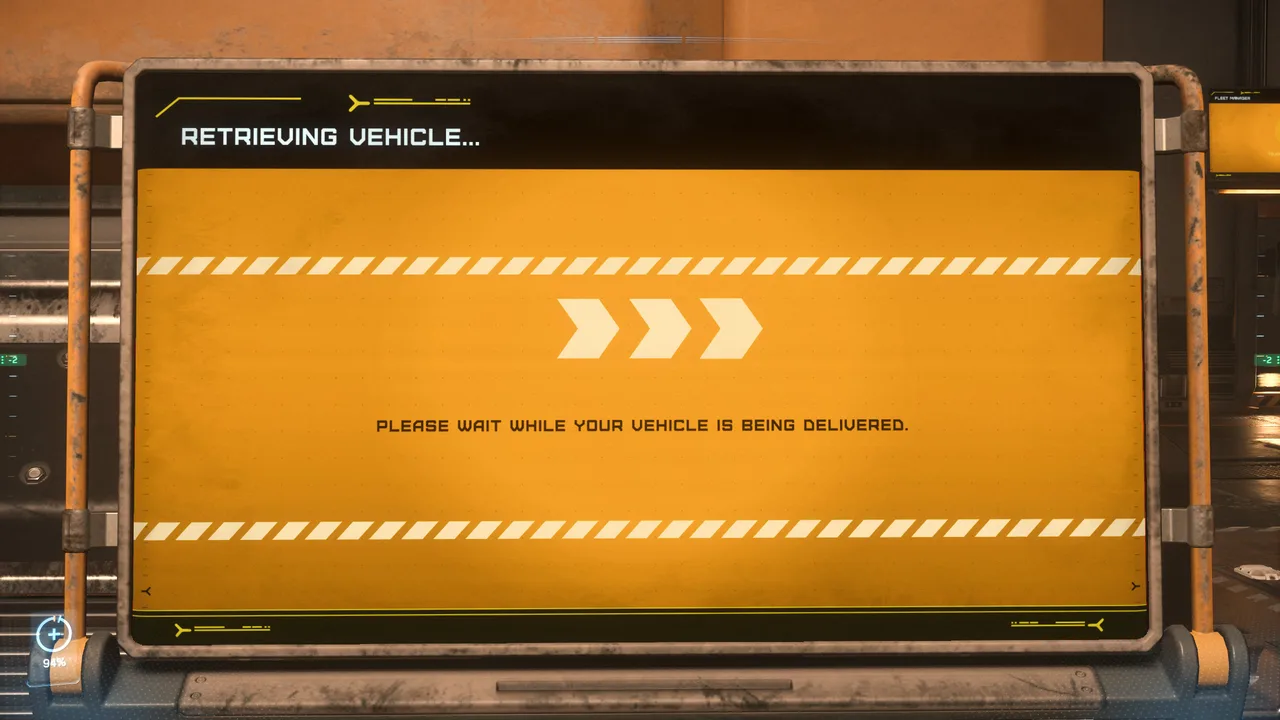
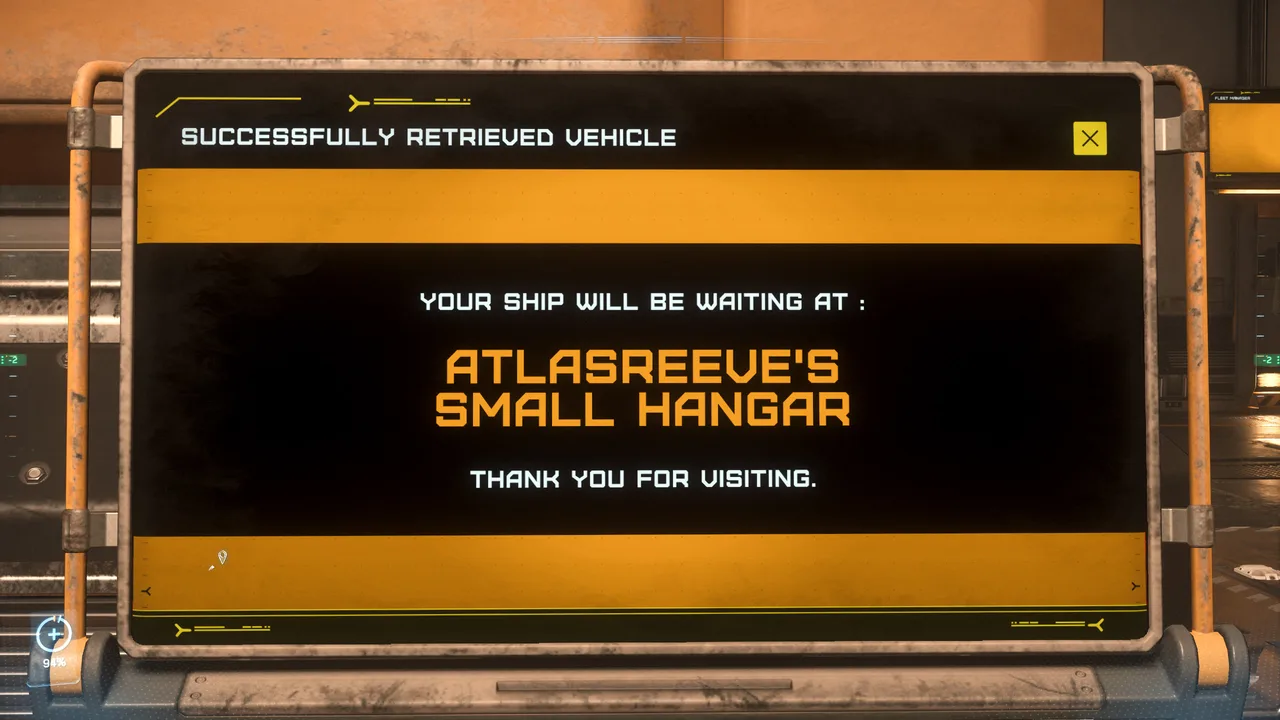
Once claimed, click Retrieve. The terminal will assign your ship to your personal hangar.
ASOP Screen
Heading to Your Hangar
Riding the elevator
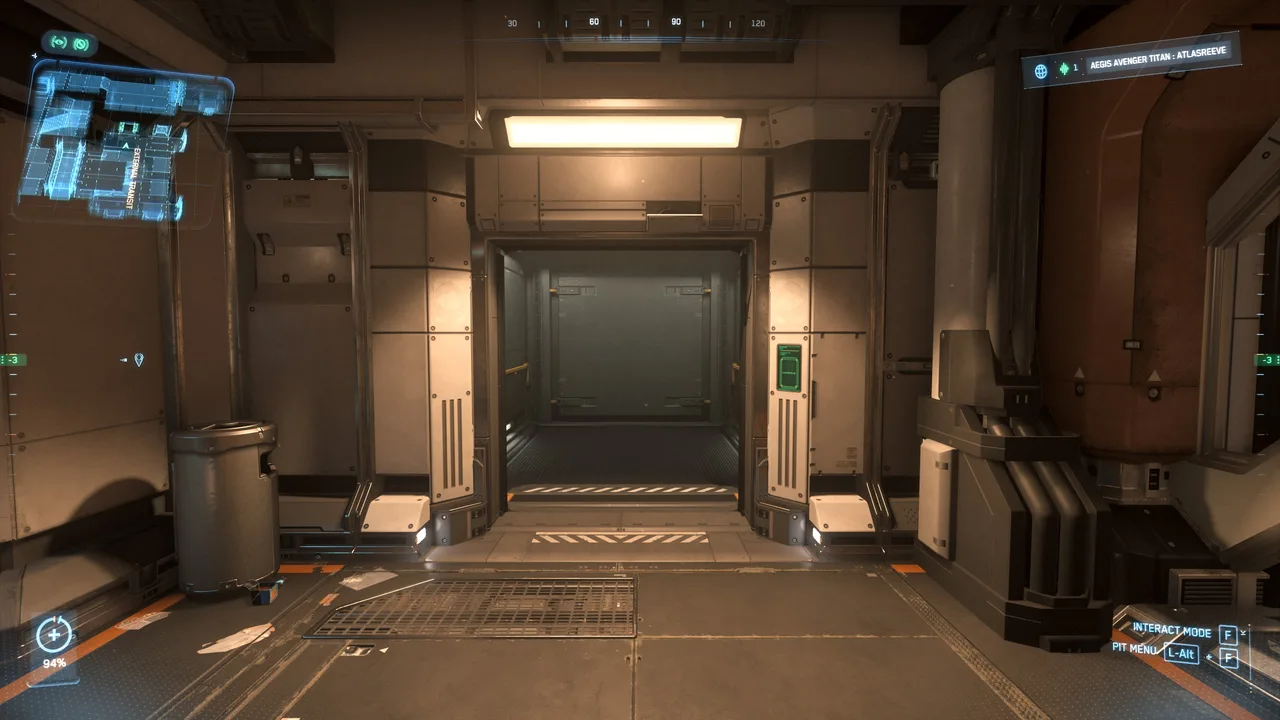
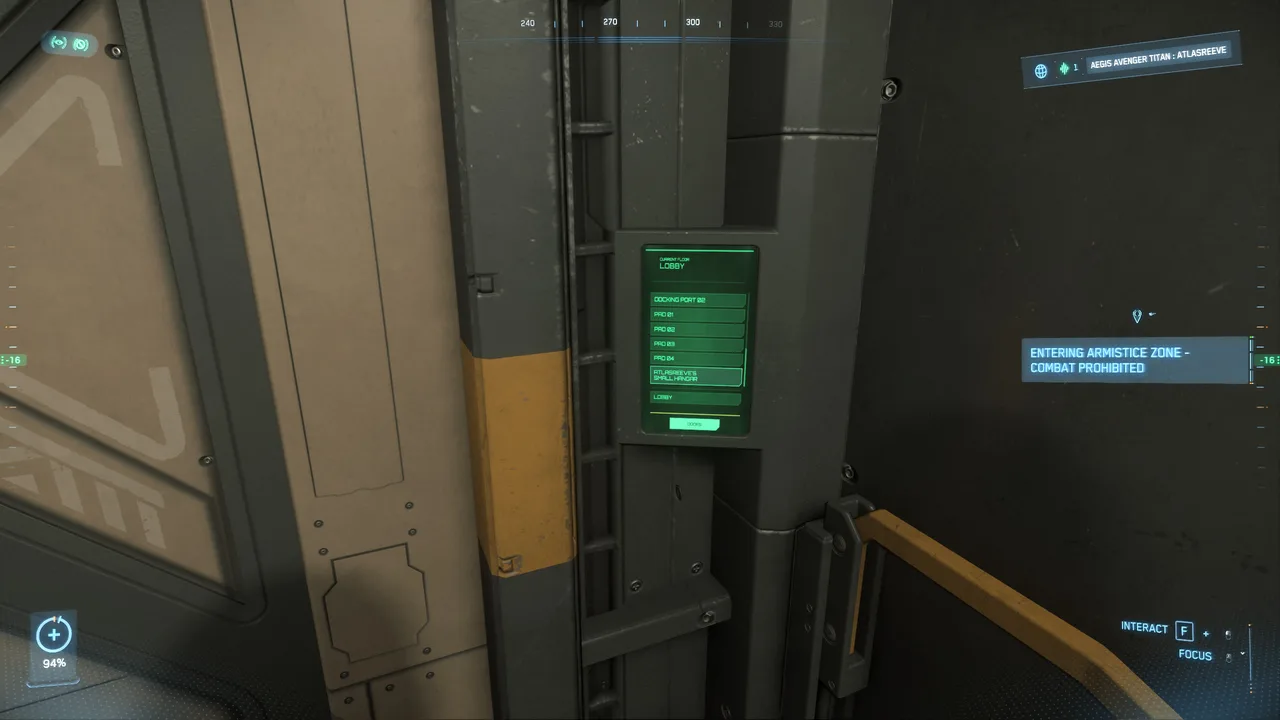
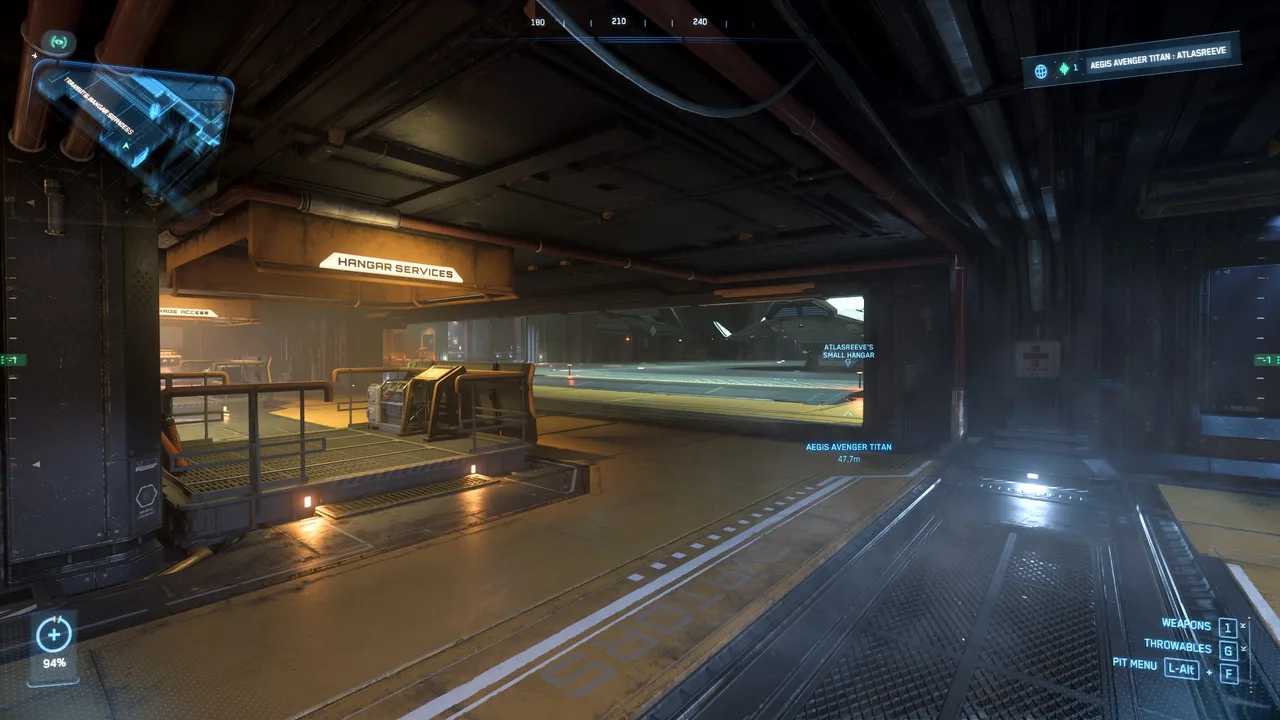
- Locate the Hangar elevators in the spaceport concourse.
- Approach the elevator control panel and call the elevator (hold F to interact). Once in the elevator you need to scroll through the floor selection menu holding F and using your scroll wheel to locate your personal hangar.
- Important Hangar Rules:
- If your assigned hangar does not appear in the elevator list, your retrieval may have timed out, return to the ASOP terminal and retrieve the ship again.
- Do Not Trespass: Entering an elevator floor assigned to another player without being in their party will flag you for trespassing and automatically relocate you back to the spaceport.
You're ready for the next section, Flight Deck & Essentials
Essential Beginner Keybinds
• Interaction Mode (LTI): Hold F
• Open mobiGlas / Map: F1 / F2
• Exit Seat / Stand Up: W (or Hold Y in flight seats)